01
Upload the image to edit
Use a clear photo of one person, character or illustration. The source controls identity, clothing and style.
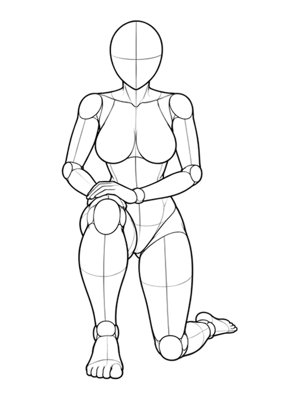
Upload a photo and copy the pose from any reference image. Keep the same person, outfit, and style.
The selected P-number keeps all five camera angles together, so you can switch the reference without losing the pose set.
Selected pose
P033 · Front · Full Body
Your result will appear here
One image in, one pose out
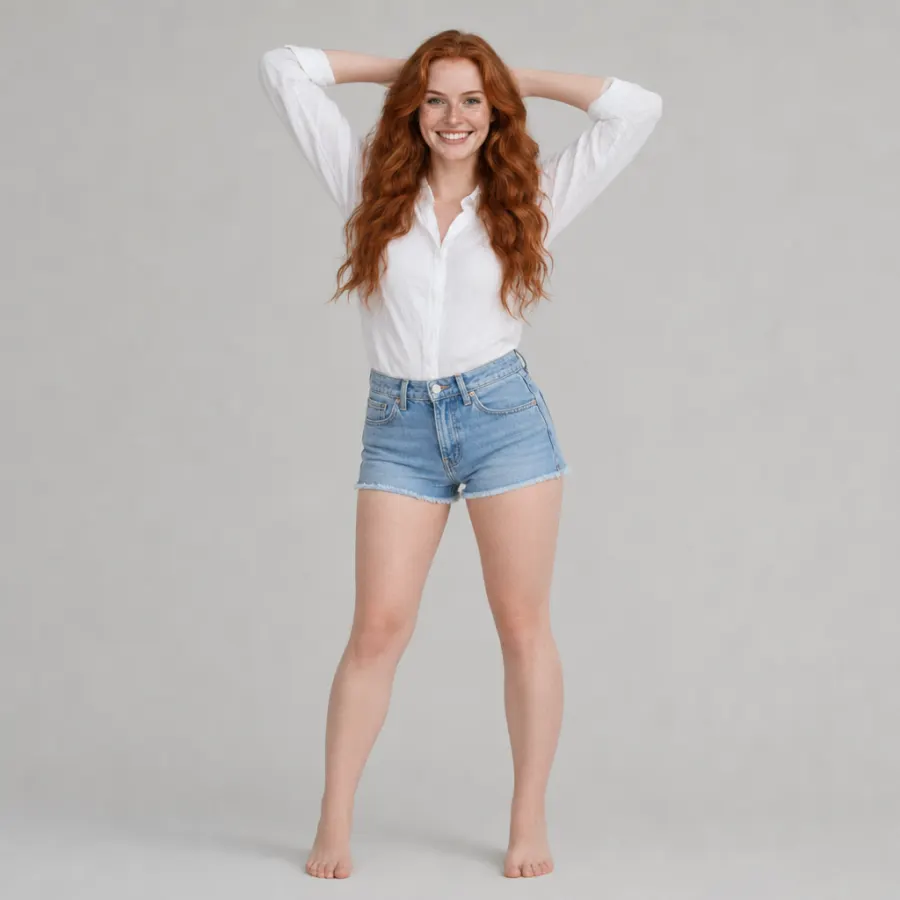
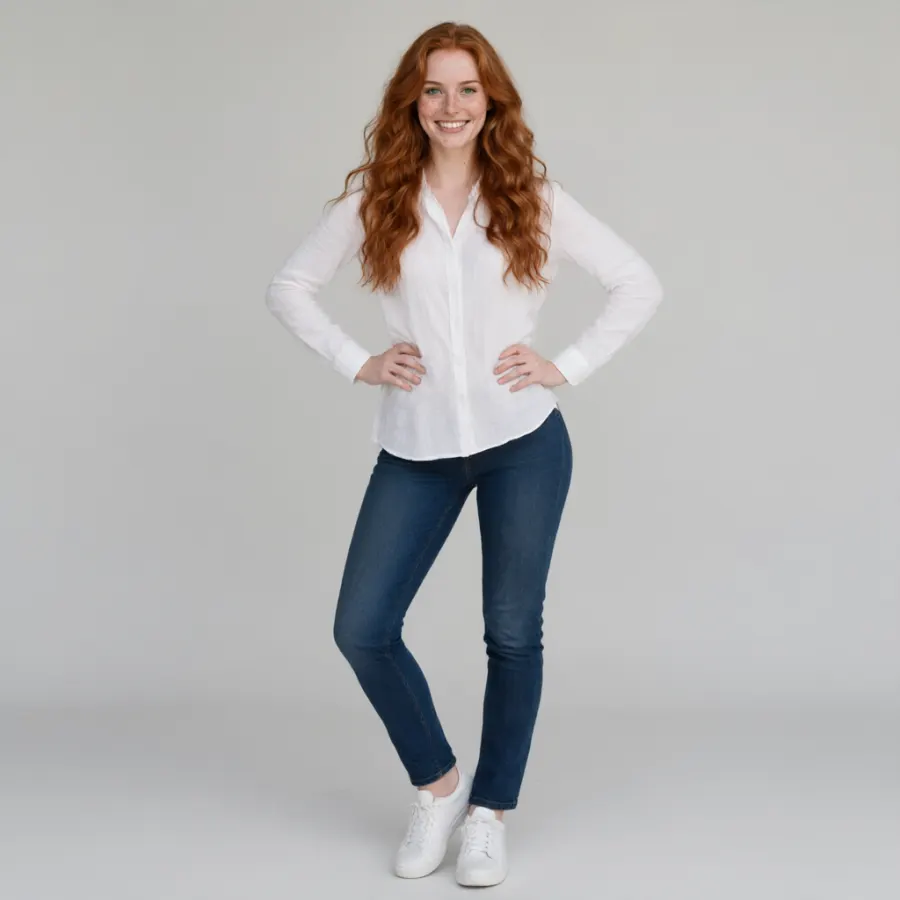
These three local images show finished outputs. Generation uses the 288 grouped pose sets from the gallery, never these examples.
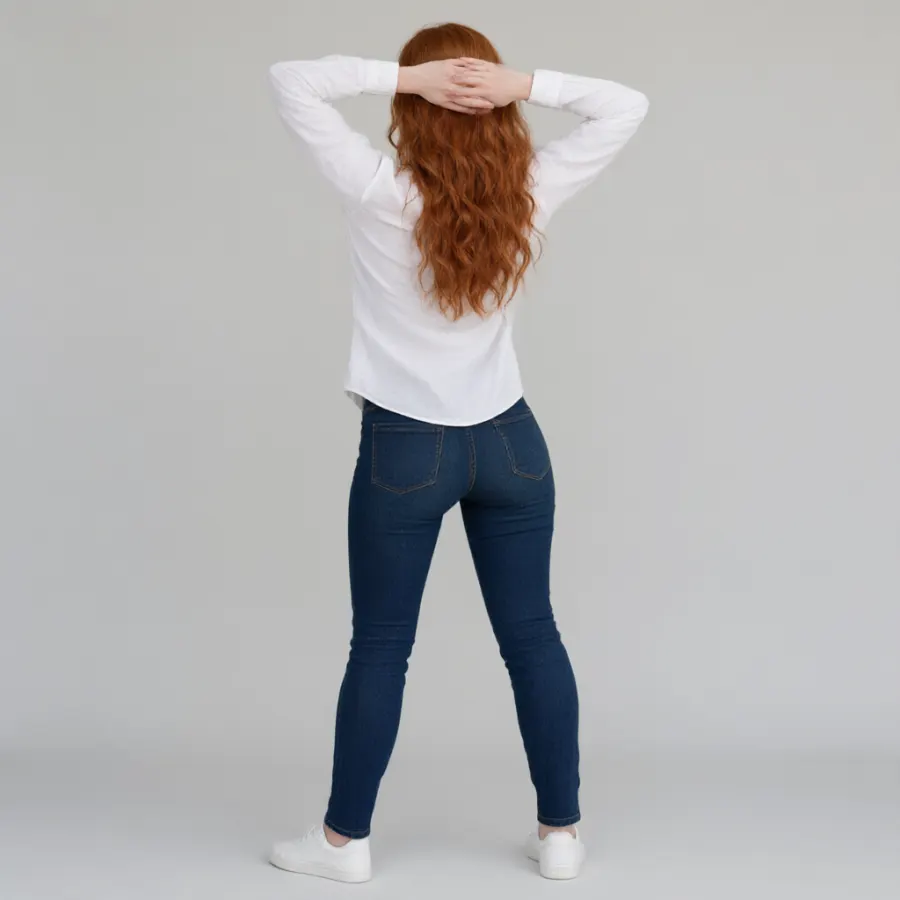
Keep the person you already have. Replace only the body position with a reference pose you choose.
Use a clear photo of one person, character or illustration. The source controls identity, clothing and style.
Search the curated references and select the stance, angle and body position you want.
Generate a new image and compare the result before downloading. Add optional lighting or styling direction.
AI pose transfer is useful when a photo already has the right person, clothing, and expression but the body position is not the one you want. The reference image acts as a body-position guide while the uploaded subject remains the visual starting point.
Pose transfer AI reads the torso direction, arm and leg angles, and camera view in a reference image. CopyPoseAI applies that structure to the uploaded subject, so you can copy pose from a reference image without redrawing the body.
The source image anchors facial features, hair, skin tone, body proportions, clothing, and art style. CopyPoseAI is designed to keep the subject recognizable. Results vary when the face is hidden, the upload is blurry, or the pose is complex.
Outfit and visual treatment stay tied to the source instead of being copied from the reference. That preserves a uniform, character design, or editorial styling while changing the pose.
A useful reference has one visible person or character, a readable silhouette, and visible limbs. Preview front, side, high-angle, low-angle, or three-quarter views before generating.
An AI pose changer focuses on the visible outcome: the subject stays, the body position changes. Transfer pose from a reference photo or change pose in a photo.
Portrait, fashion, and social photos already carry the subject and wardrobe. Copy pose from a photo, choose a new stance, and generate a variant without rebuilding the scene.
Anime portraits, comic panels, and original character art work when the body and style are clear. The reference supplies the body position while the upload guides the character.
A same person different pose result is useful for character sheets, story frames, and social variants. Use one strong source image as the identity anchor.
Exact matching can fight against natural anatomy. A clear reference and full-body source usually produce a steadier result than an extreme pose with hidden limbs.
This app for copying poses in photos works as a photo pose changer, an AI pose editor, and a copy pose image generator for creators who keep one recognizable subject.
Create standing, seated, or relaxed portrait variants while keeping the same face, hair, and outfit.
Keep an illustrated character recognizable while testing new silhouettes for a scene or reference sheet.
Explore a different stance or camera angle without replacing the model, clothing, or visual direction.
Build multiple post-ready versions from one source image, then select the output that fits the platform.
Use CopyPoseAI to copy a pose for photos and characters, then keep the result when the face, outfit, and body position work together.
These terms describe the same task: apply a reference pose while preserving the subject.
Browse the AI pose galleryThe plain-language action for copying a pose from a photo or reference image. It describes what changes on screen.
A technical description of moving pose structure between images. It emphasizes body direction, camera angle, and limb relationships.
A result-oriented name for changing the uploaded subject’s body position while keeping the same identity.
CopyPoseAI works as a photo pose changer: you can copy pose from an image or photo while the source keeps the face, outfit, and visual style and the selected reference supplies a new body position. Use it for a same person different pose result.
Explore 288 pose sets and 1439 angle images across 4 systems and 26 categories. Choose an angle, then copy it to your own photo or character.
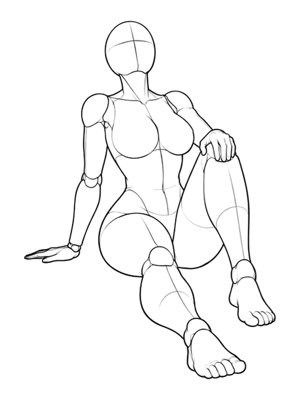 P001FrontOpen in generatorP001Sitting · 后仰坐・单膝立起Full Body
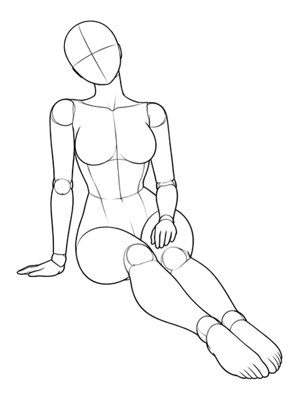 P002FrontOpen in generatorP002Sitting · 单手支撑・双腿斜向前伸Full Body
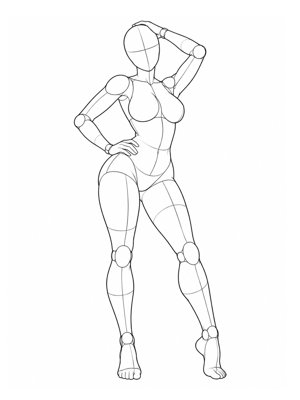 P001FrontOpen in generatorP001Standing · S形站姿・胯部侧顶Full Body Styled
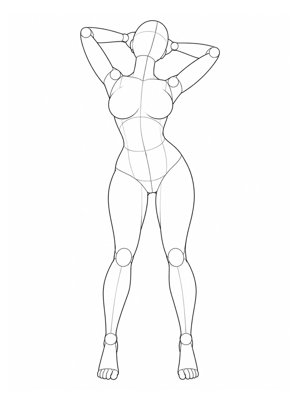 P002FrontOpen in generatorP002Standing · 背部后仰・双手撩发Full Body Styled
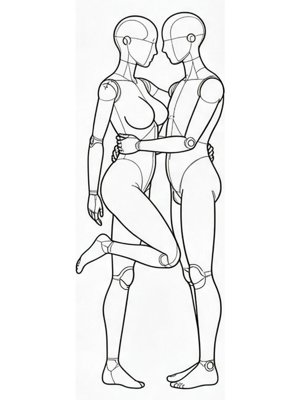 P001FrontOpen in generatorP001Duo Standing · 面对面・抱起单膝Partner
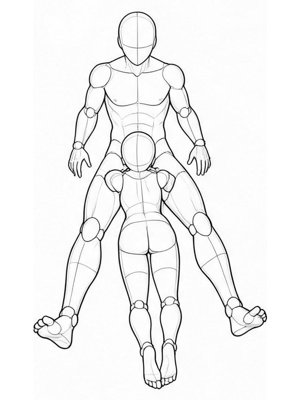 P002FrontOpen in generatorP002Close Contact · 双腿之间俯卧依偎Partner
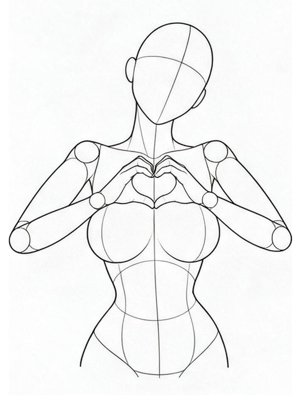 P001FrontOpen in generatorP001Cute · 胸前双手比心Upper Body
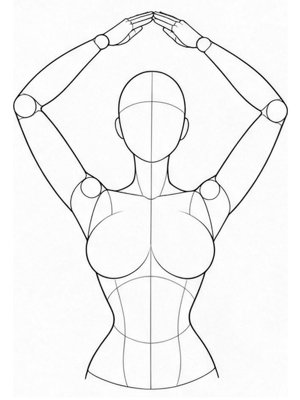 P002FrontOpen in generatorP002Cute · 头顶双臂比心Upper Body
How pose transfer works, what stays consistent, and how credits are charged.
Upload the image you want to edit, choose a reference pose, then click Copy Pose. The first image controls the person and style, while the selected template supplies the body position.
The generator is designed to keep the subject recognizable by using your upload as the identity reference. Results vary with image quality, face visibility, and pose complexity.
Yes, when both the character and the reference pose are clearly visible. The selected reference supplies the body position while the source image guides the character style.
A 1K image costs 10 credits and a 2K image costs 20 credits. The cost is shown before generation, and failed tasks refund unused credits.
Pose transfer AI describes the technical process of moving body structure from a reference image. AI pose changer describes the visible result: the uploaded subject stays while the body position changes.
The generator is designed to keep the face and outfit while changing pose, and the source image also guides the visual style. Clean images and clearly visible clothing generally produce more consistent results.
Use one visible person or character with a clear body position, visible arms and legs, minimal overlap, and no cropped limbs. Preview each camera angle before choosing the reference.
Avoid blurry images, multiple overlapping bodies, obscured limbs, and images you do not have permission to use. The tool is not intended for unsafe or non-consensual content.
Bring one image, choose a reference, and keep the person you already have.