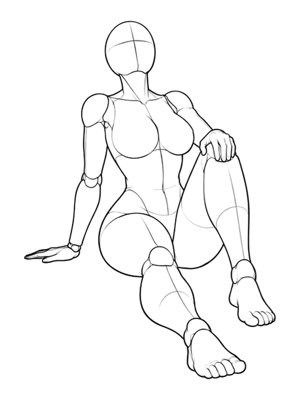
 P001FrontOpen in generatorP001Sitting · 后仰坐・单膝立起Full Body
5 selectable anglesPreview: Front
Curated pose references
Browse 288 pose sets and 1439 authorized multi-angle references across 4 systems, 26 categories and 5 camera angles. Use them as drawing, composition or mannequin pose references, then copy one to your own image.
288 pose sets · 1,439 angles
288
Pose sets
1,439
Angle images
4
Systems
26
Categories
P001FrontOpen in generatorP001Sitting · 后仰坐・单膝立起Full Body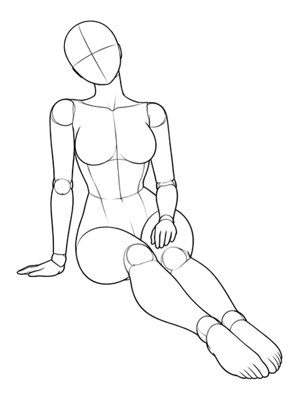 P002FrontOpen in generatorP002Sitting · 单手支撑・双腿斜向前伸Full Body
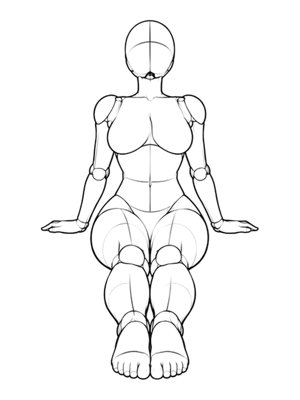 P003FrontOpen in generatorP003Sitting · 双手后撑挺胸Full Body
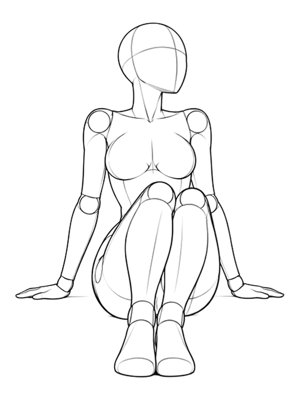 P004FrontOpen in generatorP004Sitting · 三角坐・双膝左倾Full Body
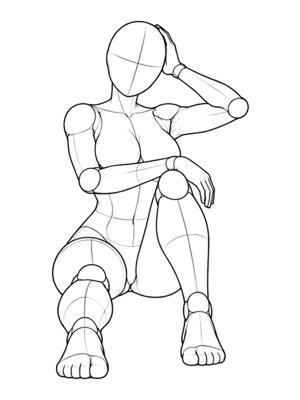 P005FrontOpen in generatorP005Sitting · 单膝立起・手抚发Full Body
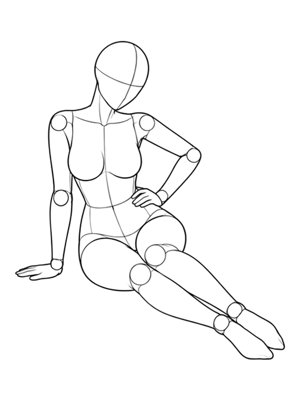 P006FrontOpen in generatorP006Sitting · 双腿斜伸・手扶腰Full Body
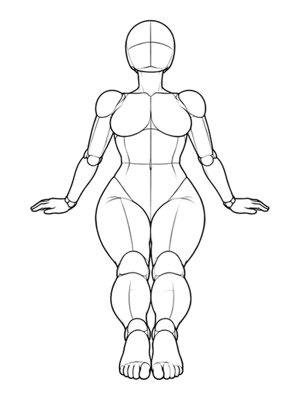 P007FrontOpen in generatorP007Sitting · 双肘支撑斜倚坐Full Body
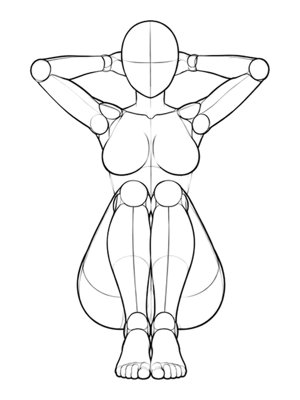 P008FrontOpen in generatorP008Sitting · 单膝立起・双手抱头后Full Body
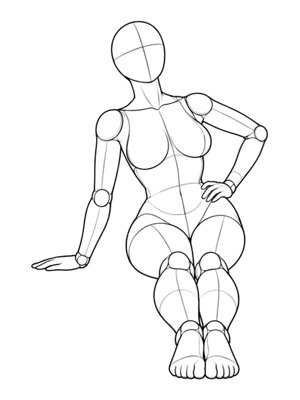 P009FrontOpen in generatorP009Sitting · 向右倾・肘部支撑Full Body
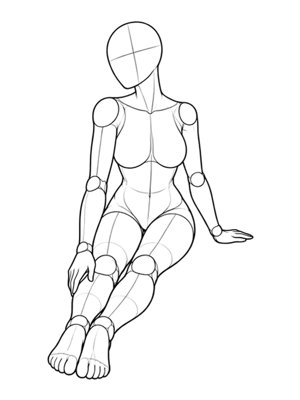 P010FrontOpen in generatorP010Sitting · 手抚脚踝Full Body
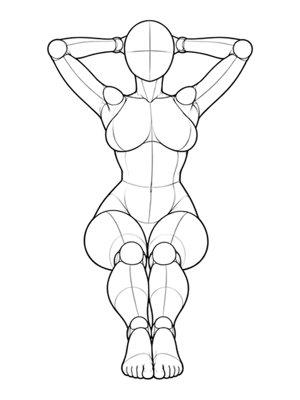 P011FrontOpen in generatorP011Sitting · 双手抱头・挺胸后仰Full Body
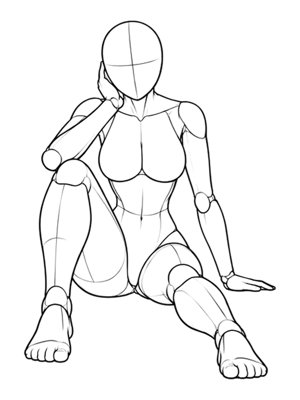 P012FrontOpen in generatorP012Sitting · 单膝立起・托腮Full Body
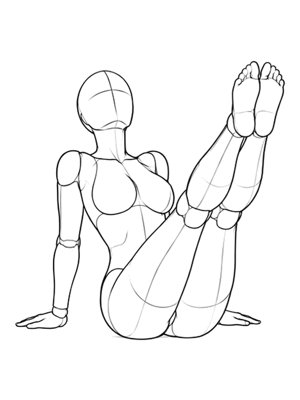 P013FrontOpen in generatorP013Sitting · 双腿悬空后倚Full Body
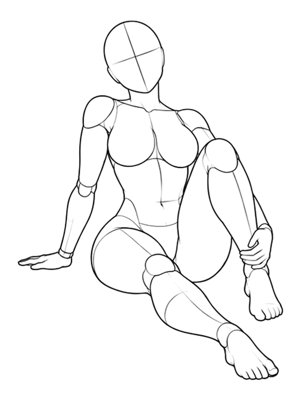 P014FrontOpen in generatorP014Sitting · 握脚踝・单膝立起Full Body
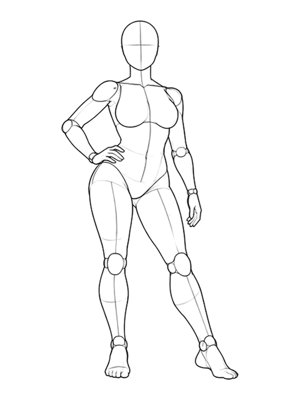 P015FrontOpen in generatorP015Standing · 站立・对立式平衡・手扶腰Full Body
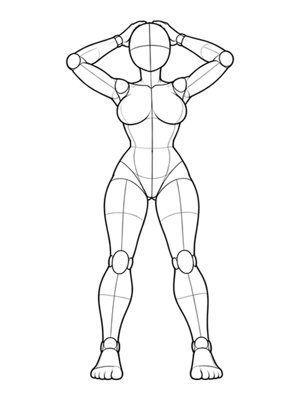 P016FrontOpen in generatorP016Standing · 站立・双手撩发Full Body
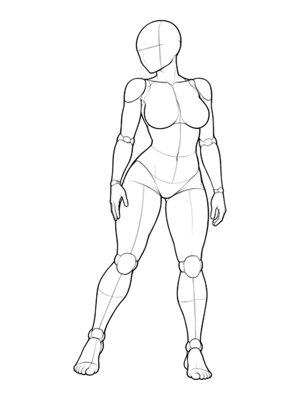 P017FrontOpen in generatorP017Standing · 站立・回眸顾盼Full Body
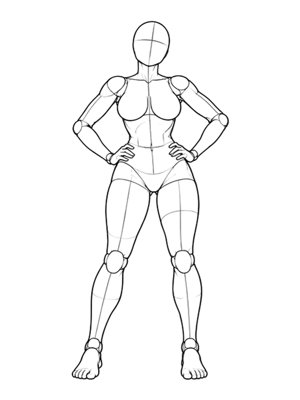 P018FrontOpen in generatorP018Standing · 站立・双手扶腰Full Body
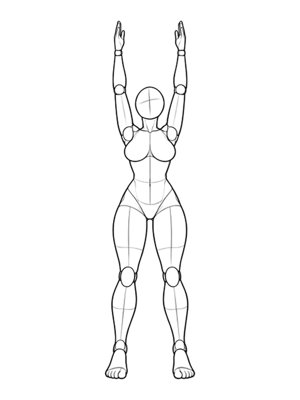 P019FrontOpen in generatorP019Standing · 站立・双臂上举伸展Full Body
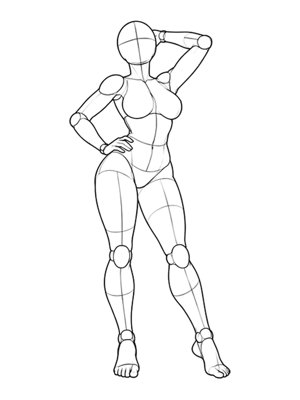 P020FrontOpen in generatorP020Standing · 站立・单手抚后脑Full Body
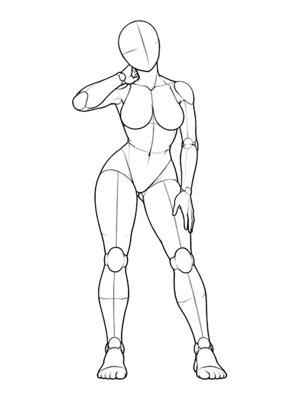 P021FrontOpen in generatorP021Standing · 站立・一手抚颈一手扶腿Full Body
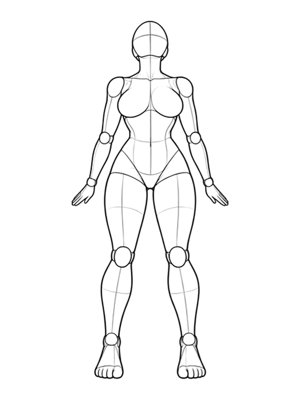 P022FrontOpen in generatorP022Standing · 站立・双臂后展挺胸Full Body
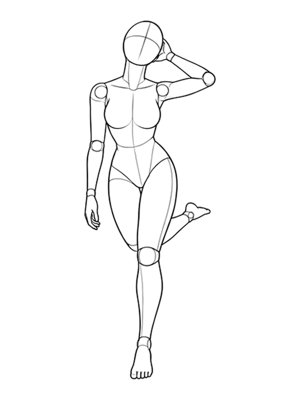 P024FrontOpen in generatorP024Standing · 站立・单腿后抬Full Body
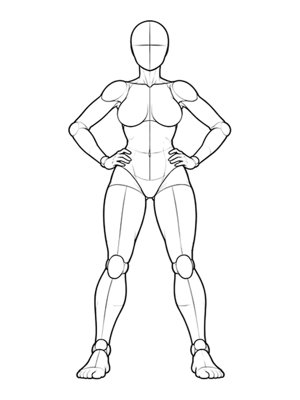 P025FrontOpen in generatorP025Standing · 站立・分腿双手扶腰Full Body
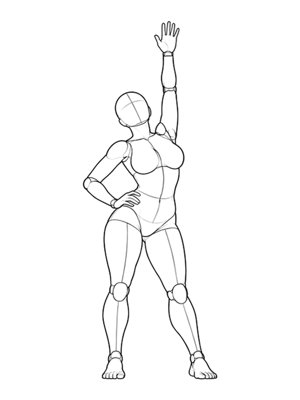 P026FrontOpen in generatorP026Standing · 站立・单臂上举顶胯Full Body
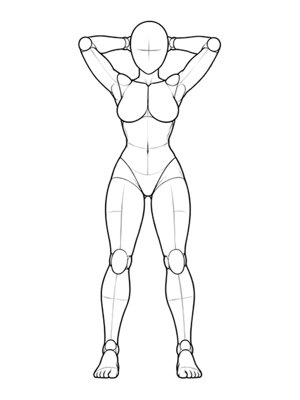 P027FrontOpen in generatorP027Standing · 站立・双手抚后颈Full Body
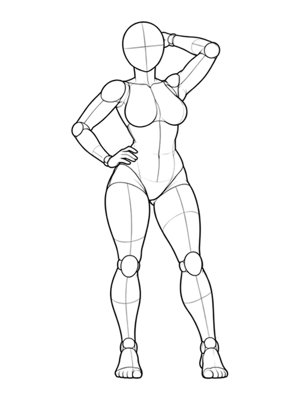 P029FrontOpen in generatorP029Standing · 站立・发丝飘扬Full Body
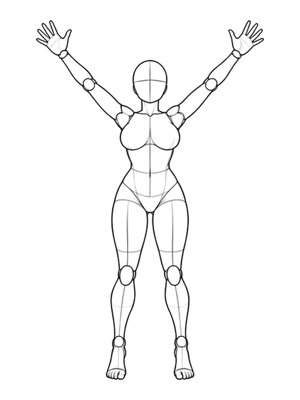 P030FrontOpen in generatorP030Standing · 站立・踮脚双臂V字Full Body
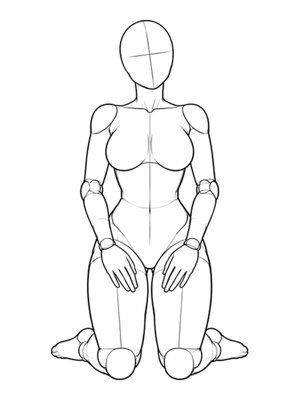 P031FrontOpen in generatorP031Kneeling · 跪立・双手扶腿Full Body
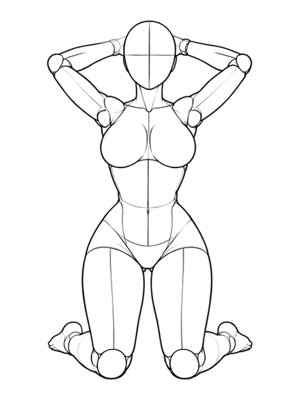 P032FrontOpen in generatorP032Kneeling · 跪立・双手抱头后Full Body
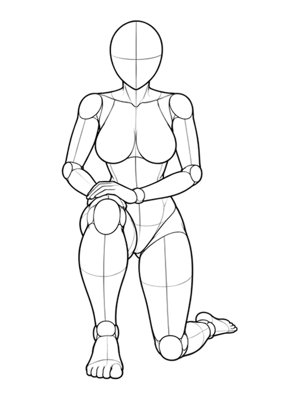 P033FrontOpen in generatorP033Kneeling · 单膝跪・手扶膝Full Body
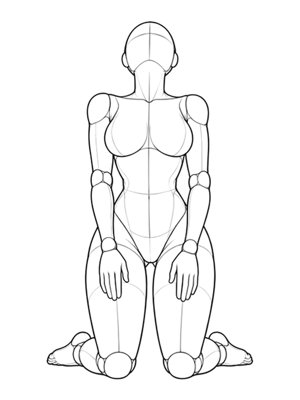 P034FrontOpen in generatorP034Kneeling · 跪立・上体后仰Full Body
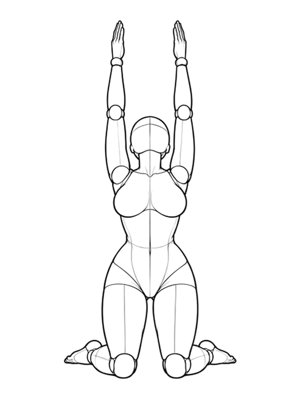 P035FrontOpen in generatorP035Kneeling · 跪立・双臂上举Full Body
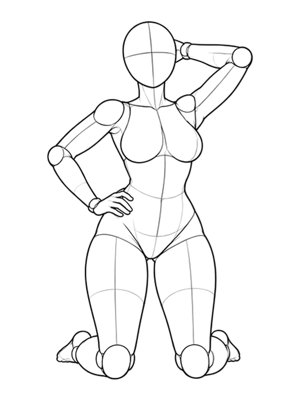 P036FrontOpen in generatorP036Kneeling · 跪立・一手撩发一手扶腰Full Body
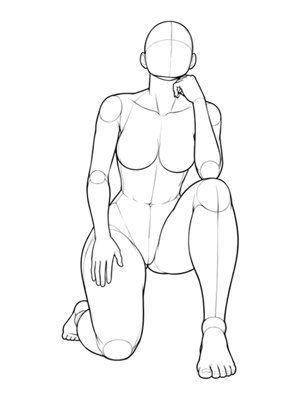 P037FrontOpen in generatorP037Kneeling · 单膝跪・仰望Full Body
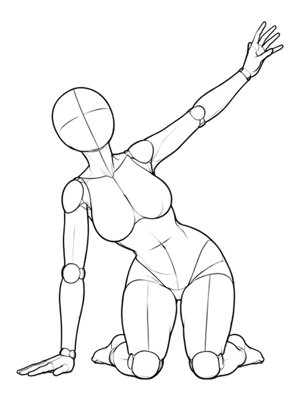 P038FrontOpen in generatorP038Kneeling · 跪立・侧倾・手触地Full Body
Use the AI pose gallery as a visual pose reference gallery, not a random list. Search by P-number, filter by system or category, then preview the camera angles before choosing the frame that matches your shot.
Standing, sitting, kneeling, reclining, partner, and upper-body starting points are grouped into numbered sets. The category filter narrows the pose gallery without hiding the angle choices inside each set.
Front, high-angle, low-angle, side, and three-quarter views show how the same body position changes with the camera. Preview each thumbnail first, then select the large image that matches the composition you need.
The current AI pose library uses clean mannequin line art so the body position stays readable. The simple silhouette makes it easier to study limb direction, weight, and framing before generating an image.
An AI pose reference can support several workflows while using the same numbered template. Choose the category that matches the final image, then keep the angle consistent across the set.
Use a pose reference for photos when a portrait, selfie, fashion shot, or social image needs a clearer stance or a different camera angle.
Use this character pose gallery for a pose reference for characters in anime, illustration, comics, or character design. Keep the art style from the source and change the body position.
Couple pose reference sets help two people or characters share one readable composition. Check how the figures connect before selecting the angle.
Every card sends a previewed angle into the generator, so the pose gallery and tool stay connected. You can compare angles without leaving the reference set.
Click a small angle thumbnail to preview it in the card. The large image stays in place until you choose the angle.
Open the generator and upload the person or character you want to keep recognizable.
Confirm the previewed angle, select 1K or 2K, and start the generation. A short art-direction note is optional.
Review the finished image against the source and reference, then download the version that matches the intended pose.
Use these pose ideas for AI as a quick way to search the AI pose gallery. The card preview still controls which angle reaches the generator.
Look for balanced weight, readable arm lines, and a stance that fits a full-body frame.
Check where the hands rest, how the legs fold, and whether the camera angle keeps the torso visible.
Choose a silhouette with clear direction and enough space around the body for movement.
Keep the character design from the upload while using the line-art mannequin to guide the body.
Confirm the contact points and shared silhouette before choosing a front or three-quarter view.
After choosing a reference, keep the card preview and generator selection aligned. If a pose feels unclear, switch the angle, reduce visual overlap, and compare the result with the source before downloading.
What the references contain and how to use one in the tool.
It is a curated set of body-position references that can be used as the target pose for an image-to-image generation.
Yes. Choose Use This Pose, upload your own image in the tool and select 1K or 2K before generating.
Yes. Character art and illustrations can keep their visual style while following the selected body position.
Use one person or character with a visible torso, arms, legs and a clear camera angle.
The displayed references are owned or licensed for this service. They may be used as generated-output references inside CopyPoseAI, but not extracted or redistributed as a standalone image library.
Click a small thumbnail to change the large preview inside the card. The large image or Use button then sends that previewed angle to the generator.
Yes. Use the system, category, and angle filters to narrow the AI pose library, or search by pose number, body position, or reference ID.
Gallery structure adapted from the MIT-licensed ai-pose-gallery-zh project. Pose references originate from POSE Atlas by Anhao and the original pose library by ギア (@giaaibusi), used here with authorization.